AI product photography for fashion: what it can and can't do yet
AI product photography for fashion now works well for clean packshots, colour variants and putting garments on models, as long as it starts from a good photo of the real product. It still struggles with busy prints, sheer or heavy fabrics, fine hardware and exact colour matching without a reference. The safest approach is AI for volume, with a person checking every image against the garment.
Start from one approved photo
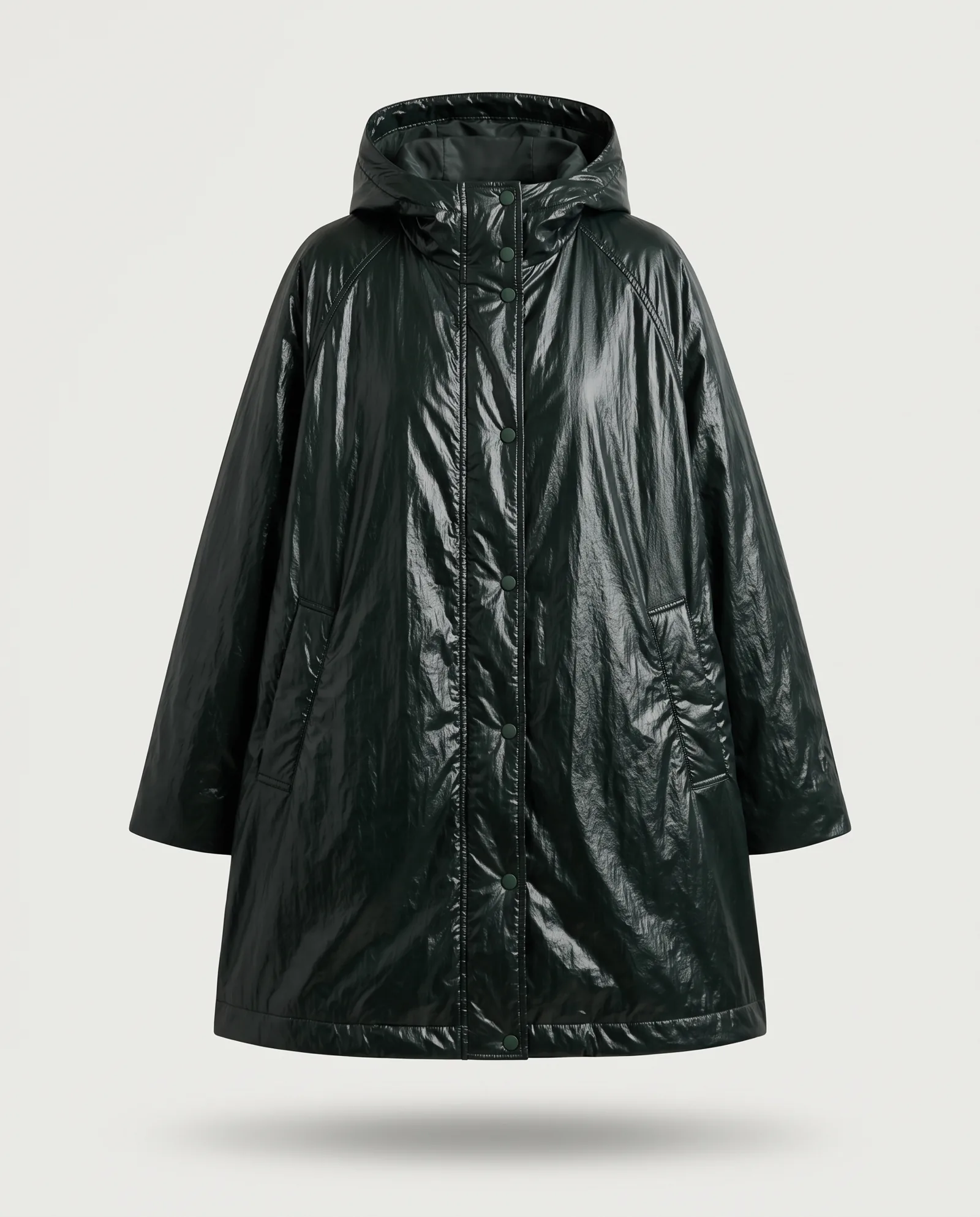
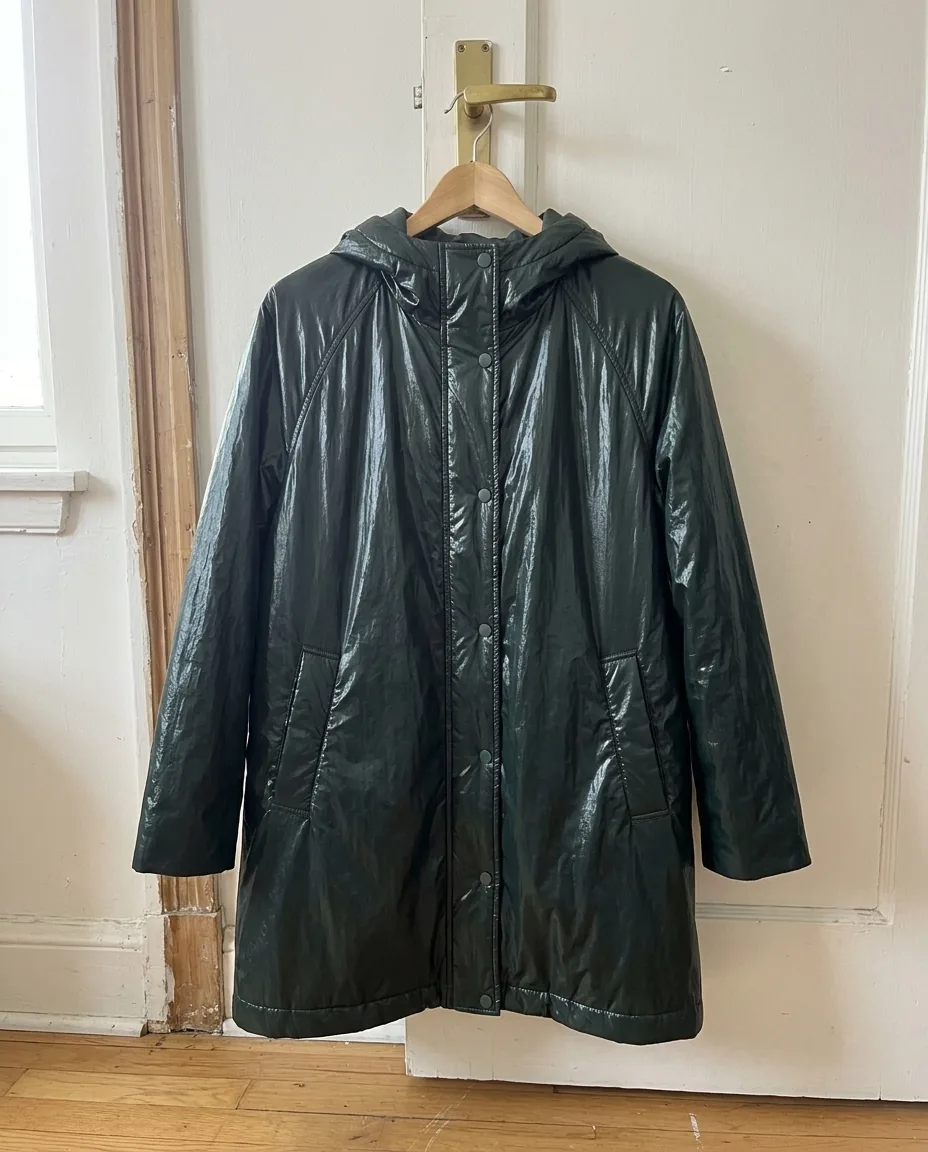
Good AI product images don't start from a prompt. They start from a photo of the real product, taken in even light, in focus, with the true colour.
That one approved image becomes the source for everything else: the packshot, the colourways, the on-model look and the video. When the source is right, the rest follows. When it's wrong, every output repeats the mistake.
This is the biggest shift for e-commerce teams. You no longer need a shoot day per SKU. You need one reliable photo per product, and a workflow that turns it into a full product page.
Packshots
Packshots are where AI is most mature. From one product photo, AI can:
- remove and rebuild the background in your brand colour
- correct light and shadow so the whole range looks consistent
- straighten, crop and resize for every channel: your site, marketplaces, social
For Ian Hylton, we started from packshot assets of a grey shirt. We turned them into a realistic on-model product image, then a styled on-location image of the same shirt, plus a vest look. There was no additional shoot, and the brand got 2x PDP content from the same investment. See AI product photography for fashion e-commerce.
Colour variants
If a product comes in six colours, you no longer need six shoots. AI can change the colour of the garment and leave everything else alone: the fabric, the folds, the model, the light.
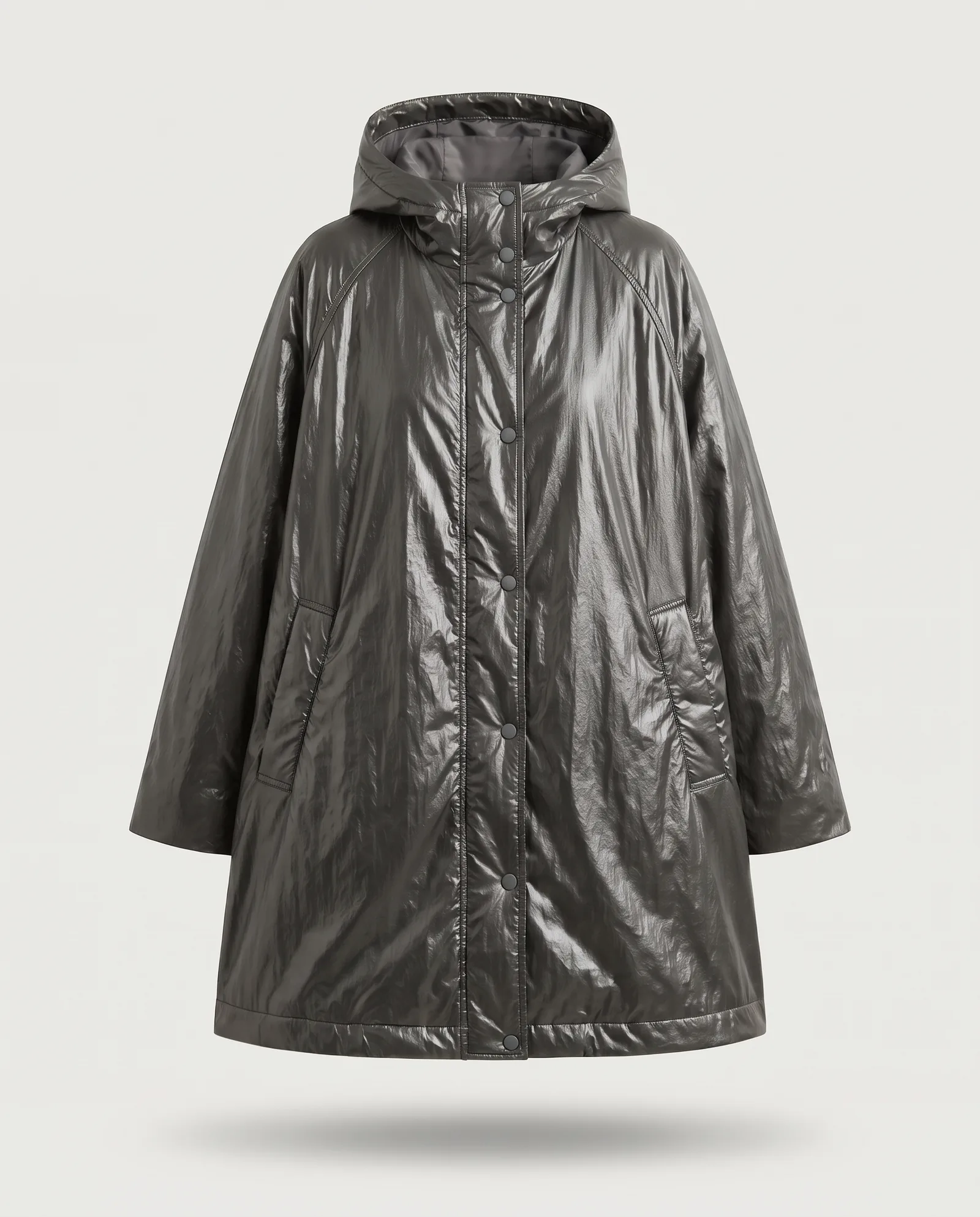
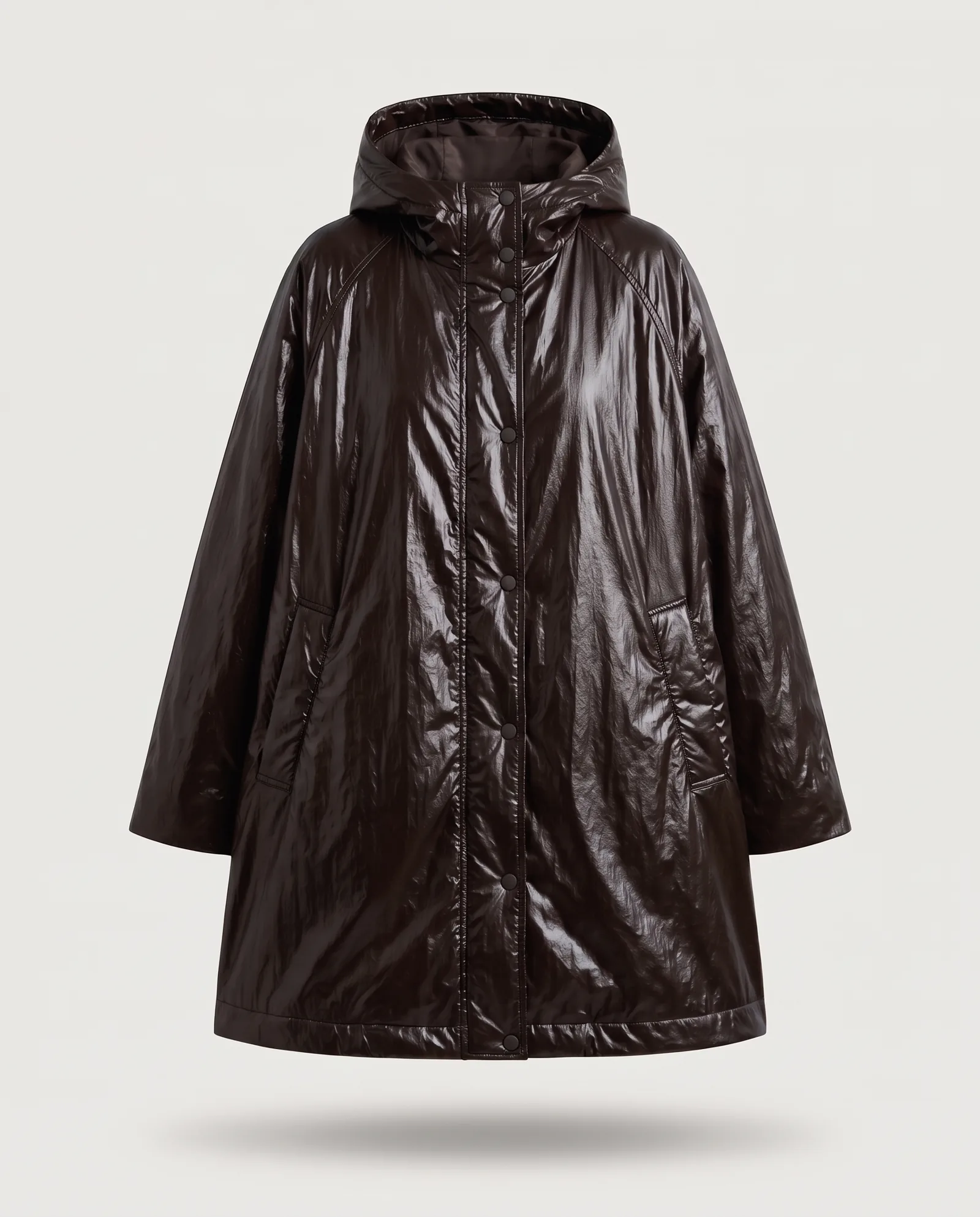
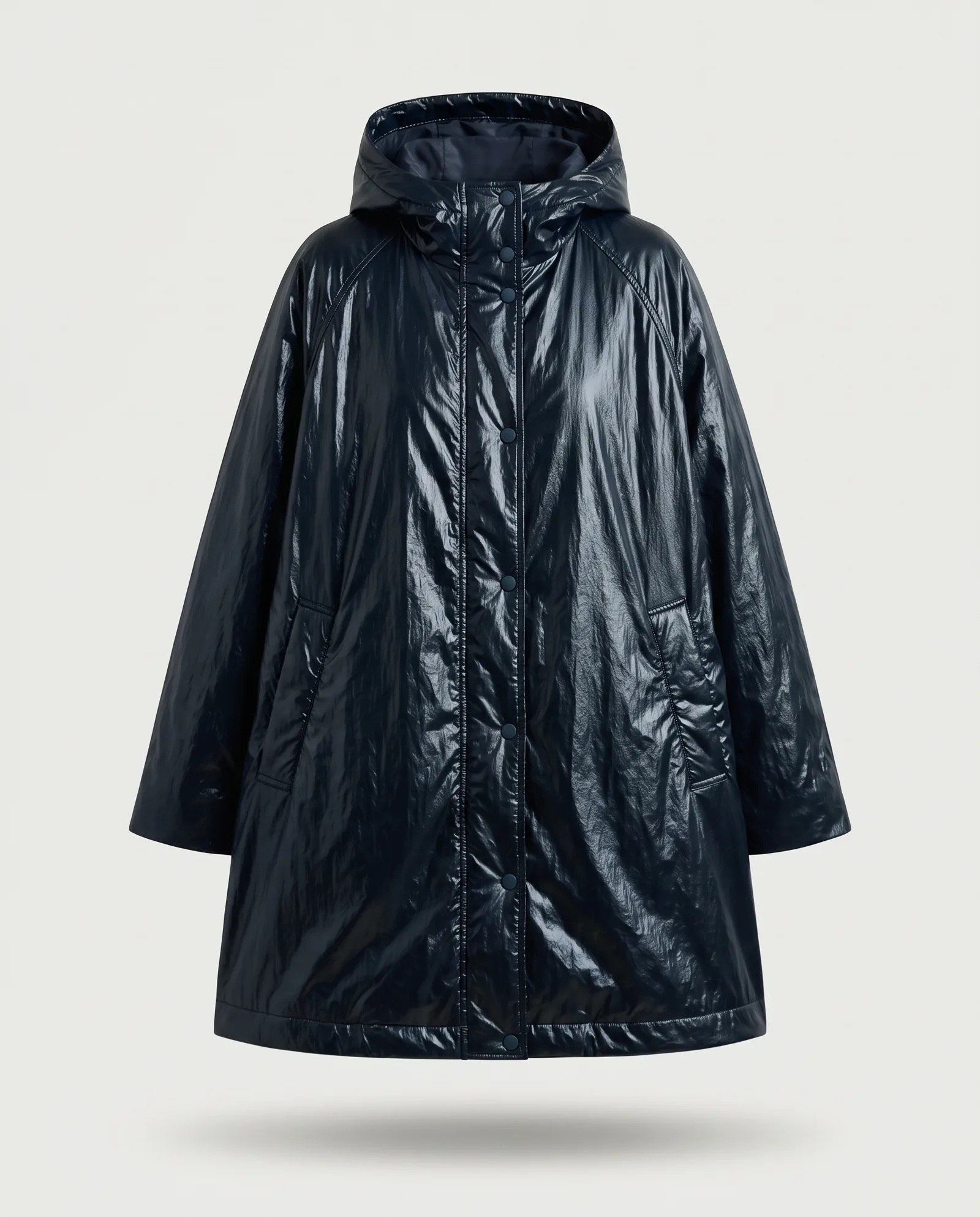
Colour variants work on packshots and on on-model images. They work best on solid colours, simple patterns and matte or lightly textured fabrics. They need more care on complex multicolour prints, metallic or glossy finishes, and very dark colours, where detail can disappear.
The rule that matters: always send the real colour reference for each colourway. A Pantone code or a swatch photo, not a description. "Forest green" means something different to every person and every model. This is what AI colour variants are built for.
On-model: when the product page needs a person
Shoppers want to see how a garment sits on a body. AI can now take a flat lay or a packshot and put it on a model, with no new shoot.
It makes sense when:
- you have packshots but no budget for on-model images on every SKU
- you need the same product on different body types or for different markets
- you want one consistent model across a whole season
It suits garments where fit is the whole story, like tailored jackets or technical outerwear, less well, unless the source photos show the shape clearly. See AI models for clothing brands for how casting works.
What passes quality checks and what doesn't
Every AI product image should be checked against the real garment before it goes live. These four checks catch most problems.
"The most common problem we fix in AI product images is SKU fidelity."
SKU fidelity means the product in the image is exactly the product being sold: the same colour, logo, trims, proportions and fabric. These four checks are how we protect it.
Colour accuracy
Compare the image with the physical swatch on a calibrated screen. Small shifts matter most on navy, black, beige and red.
Logos and text
AI can bend letters, flip logos or invent small text. Check every label, print and hardware detail at full size.
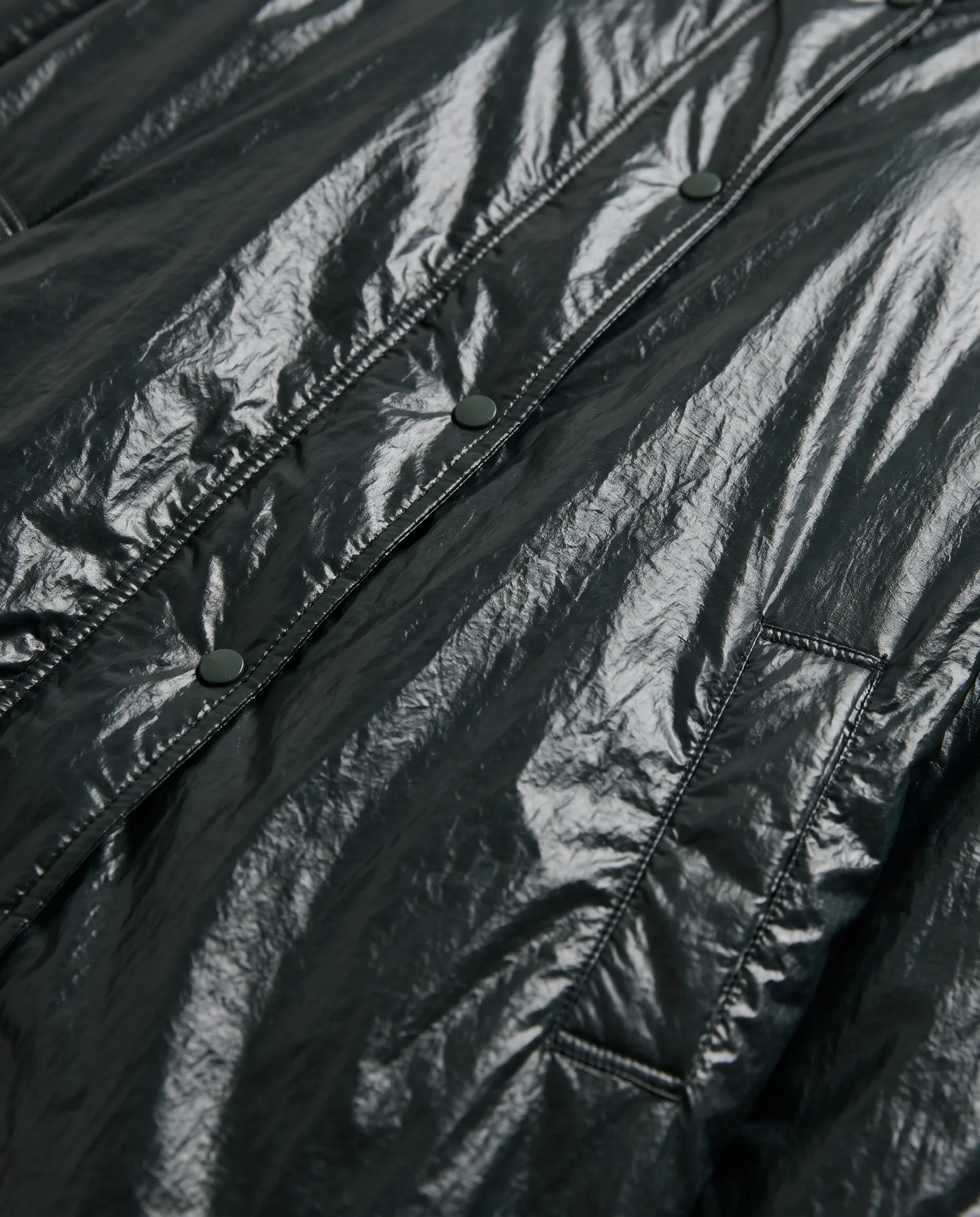
Fabric and texture
Knits, tweeds, sheer fabrics and leather can come out too smooth or too perfect. If the texture is part of the price, it has to show.
Proportions and fit
Sleeve length, hem position and how the garment hangs should match the real product. A shopper who expects a cropped jacket and receives a long one will send it back.
When something doesn't pass, it is fixed by hand or flagged. Complex prints and heavy materials can need manual work. We say so upfront, not after delivery.
Common mistakes to avoid
Most problems with AI product photography come from the process, not the technology.
- Starting from a bad source photo. Blur, colour casts and harsh shadows get copied into every output. Fix the source first.
- Describing colours instead of sending them. Words are not colour references. Send a Pantone code or a swatch photo.
- Skipping the zoom check. Many errors only show at full size: a missing button, a bent logo, a seam in the wrong place.
- Mixing styles across the range. Different backgrounds, light or crops on each product page make the store look unfinished.
- Treating AI as a one-click job. The first output is a draft. Selection, fixes and approval are still work, and someone has to own them.
A simple workflow for a new collection
Here is how most brands run a collection through AI product photography, from samples to live product pages.
- Shoot the source photos. One clean photo per product and one per colourway that is hard to recreate. A phone and good light are often enough.
- Approve the look. Agree the background, the crop and the model on a handful of hero products first.
- Run the packshots. Every product gets a consistent packshot in the approved style.
- Add the colourways. Variants are made from the approved packshots and checked against swatches.
- Put it on a model. On-model images for the products that need them, using one consistent model.
- Cut for every channel. Sizes and crops for your site, marketplaces and social, plus short product video where it helps.
Each step reuses the work of the step before. That is where the savings come from: no step starts from zero.
What to send us
The better the input, the fewer the fixes. For each product:
- One sharp photo per colourway: front view, even light, neutral background. A good phone photo works if it is in focus and colour-true.
- Detail shots of anything complex: prints, logos, hardware, texture.
- Colour references for every variant: a Pantone code or a swatch photo.
- Product data: name, SKU, material, fit notes.
- Your brand rules: background colour, crop, model guidelines, examples you like.
You approve a few sample frames first. Once the look is right, the full batch follows. Turnaround is agreed per project, often days rather than weeks, at 40-70% lower cost than traditional production.
Questions
Can AI make product photos for clothing?
Yes. AI can create packshots, colour variants and on-model images from photos of the real product. Results are best on simple garments and need a human check on prints, logos and textures.
Can AI change the colour of a product photo?
Yes. AI can change the color of the garment while keeping the fabric, folds and light. It works best on solid colours and simple patterns. Send a real colour reference for each variant.
Can I use phone photos for AI packshots?
Yes, if the photo is sharp, evenly lit and colour-true. Blurry or badly lit photos give poor results.
How do I keep colours accurate in AI product photos?
Send a Pantone code or swatch photo for each colourway, and check the final images against the physical product on a calibrated screen.
Is AI product photography cheaper than a photoshoot?
Usually. AI production typically runs at 40-70% lower cost than traditional production, because each product needs one good photo instead of a full shoot day.